
Industrial Planning Systems: How Do You Design a UI That Works With Complex Hardware and Harsh Spatial Constraints?
Engineering leaders who run software projects for the production floor know it's a unique technical challenge. Unlike office systems that run on standard computers, industrial systems sometimes run on ruggedized touchscreens, in environments with shifting lighting angles, and with hardware constraints (CPU power, memory, bandwidth). All of these affect the design.
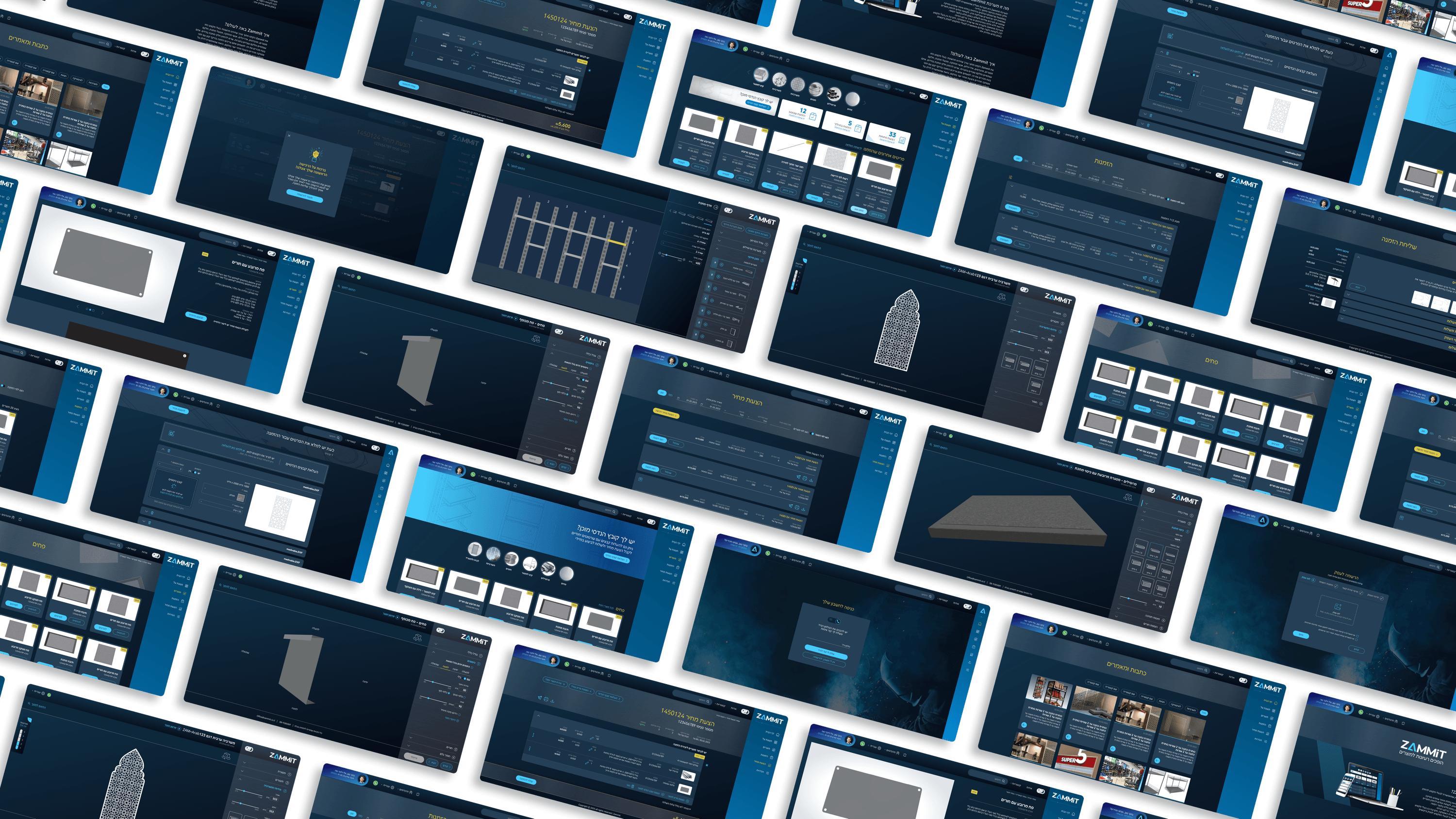
In the manufacturing platform project, the design was done with full consideration of the production floor's hardware constraints. The screens were designed with large UI components suited to being pressed with work gloves. Color contrast was set so the screens remain clearly visible even under strong fluorescent light or direct sunlight. Every animation and transition was tested on the designated hardware to ensure smooth performance.
In addition, we created "environment-specific error states" — when the system loses its connection to the plant's internal network, it doesn't crash but instead enters Offline Mode, which lets the operator keep working. The data syncs automatically when the connection returns. Edge cases like these, which capture a real production-floor scenario, save hours of work and prevent costly failures.
For CTOs working on industrial systems, the insight is: require your product designer to work against the designated hardware, not just on a standard desktop. A design that ignores the real environmental conditions fails on the production floor. A design that's adapted to the hardware and the environment makes the system a natural part of the plant.
Related articles

About
Making complicated into easy for users.
Senior product designer with a decade of work across complex systems - financial risk platforms, legal operations, healthcare apps, manufacturing tooling and insurance portals. The common thread is depth: products where the data is rich, the users are expert, and the interface has to disappear into the work.