
Permissions, Confidentiality, and UI Simplification: How Do You Design a Legal Portal with a Complex Permissions Mechanism?
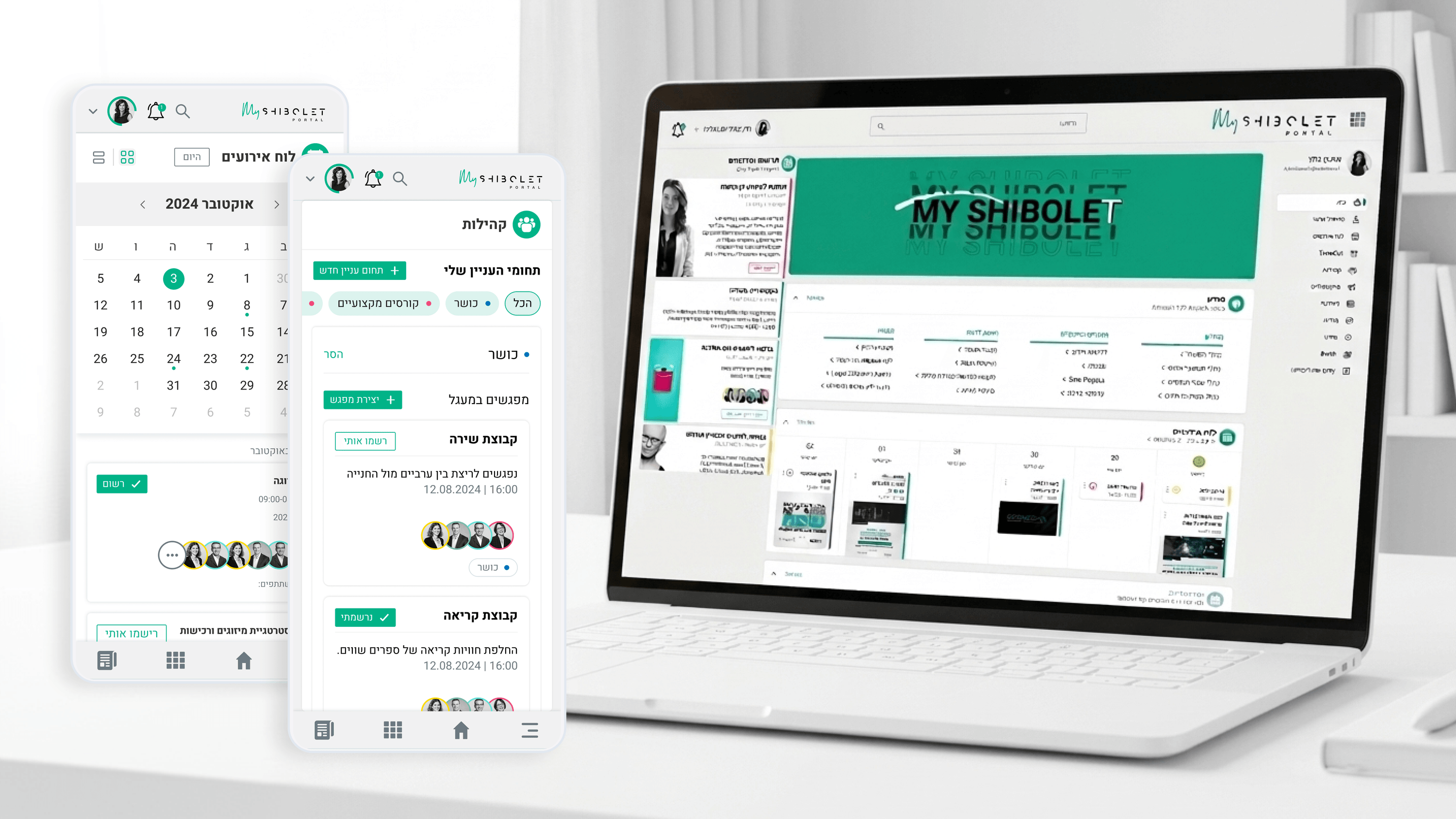
One of the most critical challenges for engineering leaders (CTOs) in legal organizations is designing an access control system that meets strict information security standards on one hand, without turning the user experience into a nightmare on the other. In Shibolet & Co.'s internal portal, we had to manage an especially complex permissions setup: partners, salaried attorneys, interns, and operations staff — where each group has different view and edit rights across each of the hundreds of content units in the portal.
Cracking this from a design standpoint required close collaboration with the system architecture. Instead of building cumbersome permission-settings screens like the ones found in classic enterprise systems, we built a "Permission Inheritance" logic in which permissions are derived automatically from the user's role in the organization. This way, administrators don't have to manually define who sees what — the system knows on its own, and presents CTOs and system administrators with a transparent, simple interface for managing exceptions only.
In addition, the UI components were designed with special sensitivity to "No Access States." Instead of simply hiding content, the system displays a human explanation that guides the user on what to do if they believe they need access. The seamless link between the visual design and the security logic is what separates a well-functioning enterprise system from an architecture that "looks good on paper" and falls apart in implementation.
Related articles

About
Making complicated into easy for users.
Senior product designer with a decade of work across complex systems - financial risk platforms, legal operations, healthcare apps, manufacturing tooling and insurance portals. The common thread is depth: products where the data is rich, the users are expert, and the interface has to disappear into the work.